Create Your Perfect Marriage Biodata
Design professional marriage biodata in minutes with our easy-to-use online maker. Choose from beautiful templates, customize with your details, and download instantly.
100% Secure to Edit
No Registration Required
Instant Download
Create Marriage Biodata
Fill in your details, upload your photo, choose a template and download a print-ready PDF or Word file in under 5 minutes.
Step 1
Step 2
Step 3
Choose your language
Biodata Title

God Name
Choose your photo
Upload your profile photo, biodata with photos get more attention.
Photo Tips
- • Use a clear, recent photo with good lighting
- • Face should be clearly visible and centered
- • Avoid group photos or heavily filtered images
- • Professional or formal attire recommended
- • Image will be cropped to 4:5 ratio automatically
How to Make a Marriage Biodata Online (Simple Step-by-Step)
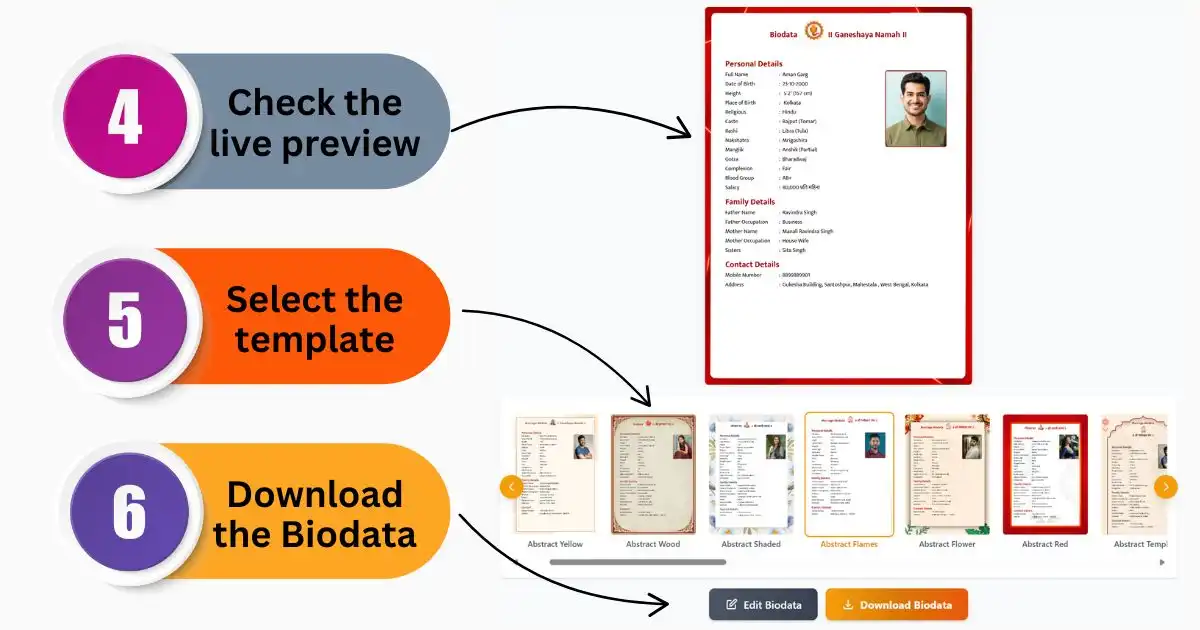
Creating a marriage biodata doesn't have to be complicated. You can put together a clean, professional biodata in just a few minutes using an online tool. Just pick a format, add your details, and download it ready to share on WhatsApp or any matrimonial site.
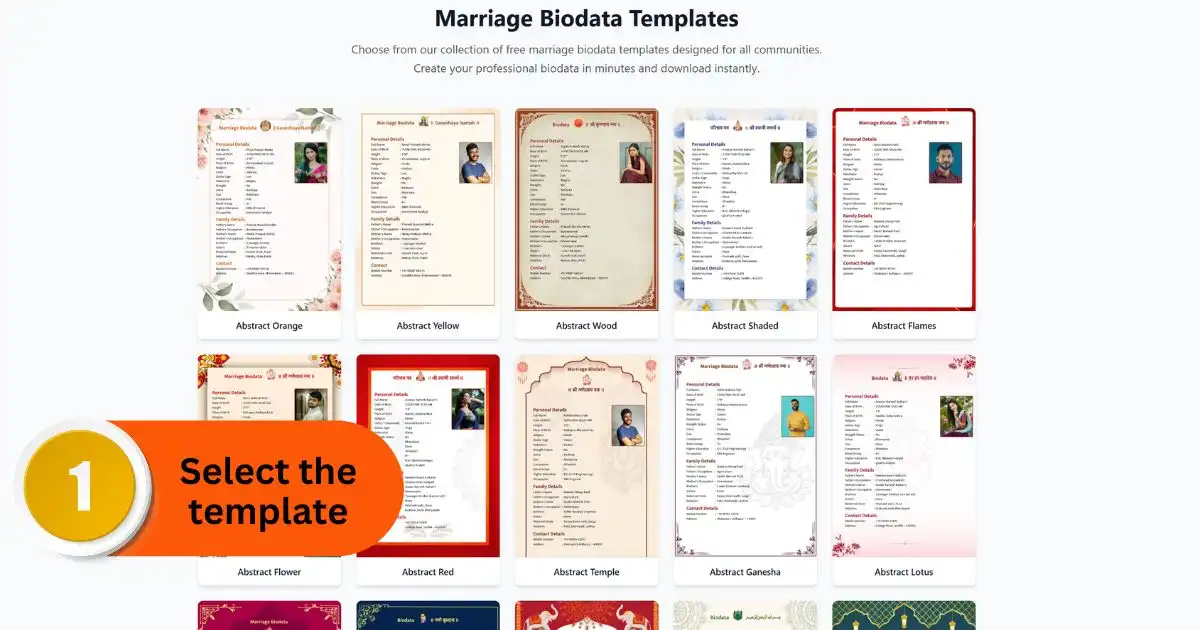
- Step 1: Pick a Biodata Template: Start by choosing
a template that fits your needs. You'll find options for boys, girls,
and different communities like Hindu, Marathi, or Muslim. Go with a
design that feels right for you and your family.
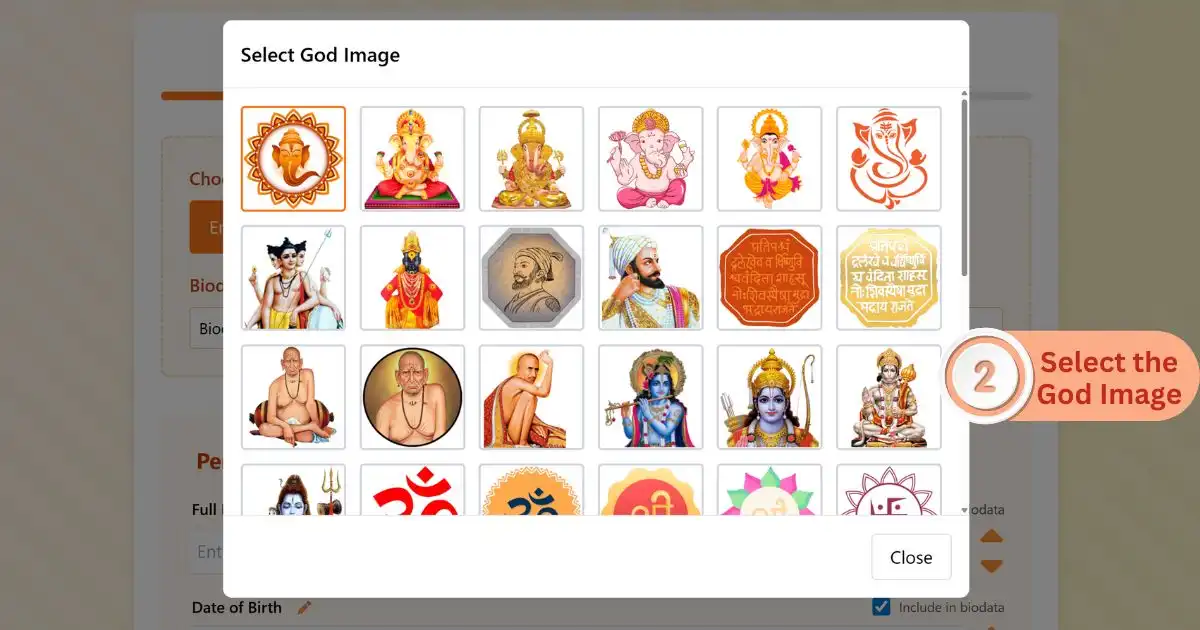
- Step 2: Keep Your Details Ready: Before you begin,
gather all the important information. This includes your personal details,
family background, education, and job information. If your community
uses details like gotra or nakshatra, keep those handy too. It also
helps to decide in advance which photo or religious image you want to
include.
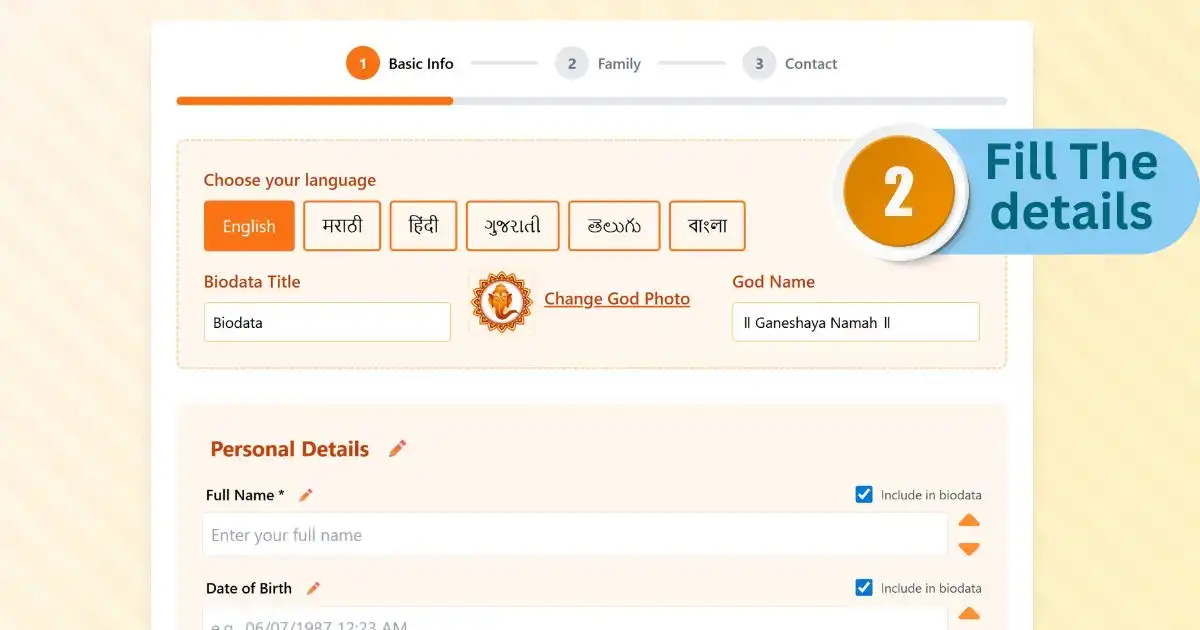
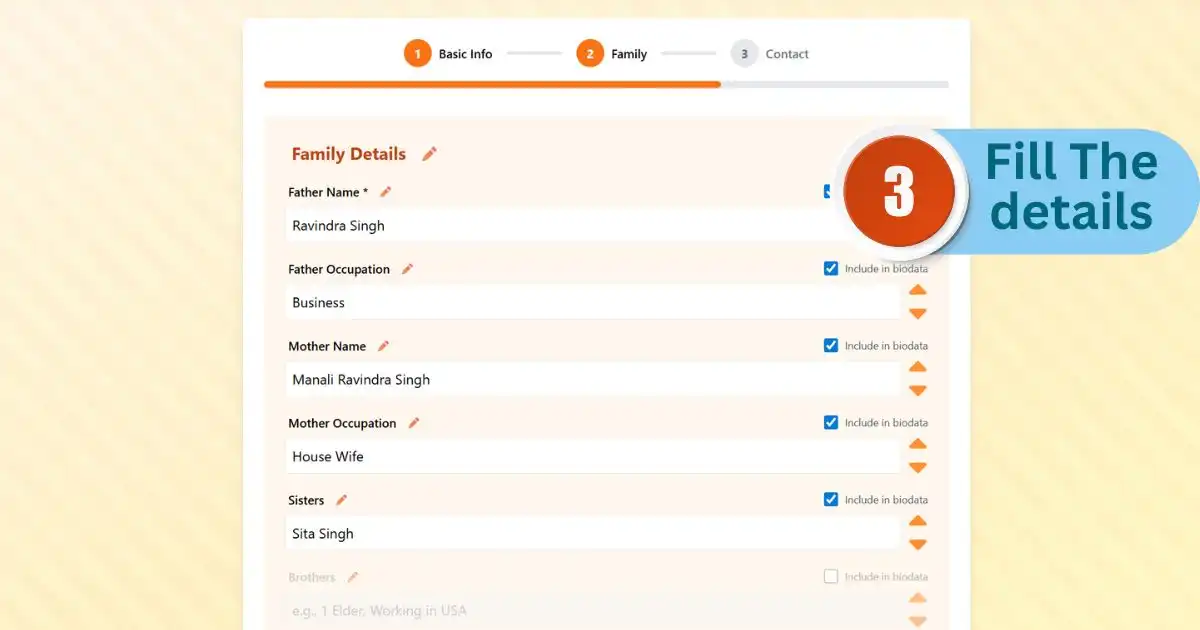
- Step 3: Fill in Your Information: Now enter your details
step by step in the form. Most tools show a live preview, so you can
see how your biodata looks as you type. Upload a clear, recent photo
with a simple background for the best result.
- Step 4: Check Everything Carefully: Before downloading,
take a minute to review everything. Double-check your contact number,
spelling of names, and other key details. Make sure your photo looks
properly placed and clear.
- Step 5: Download and Share: Once you're happy with
it, download your biodata. You can save it as a PDF to share instantly
on WhatsApp or upload to matrimonial platforms like BharatMatrimony
or Jeevansathi. If you want to edit it later, you can also download
it as a Word file.